Events
Planning a Hybrid Meeting in Phuket: An AV and Connectivity Checklist
Build a technical brief around clear audio, useful camera views, connectivity and a rehearsal with remote participants.
By Royal Phuket City Hotel Team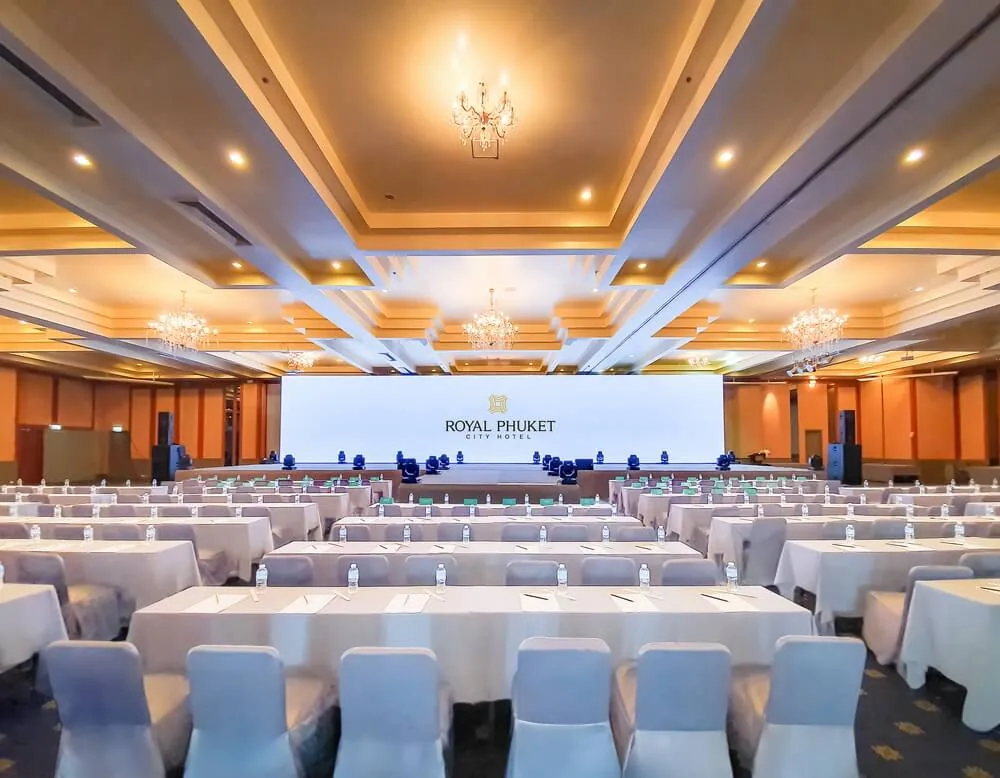
A hybrid meeting in Phuket needs a plan for the people joining remotely as well as those in the room. Before choosing equipment, describe what each group must hear, see and contribute. A presentation to remote viewers is a different assignment from a workshop where everyone needs to speak.
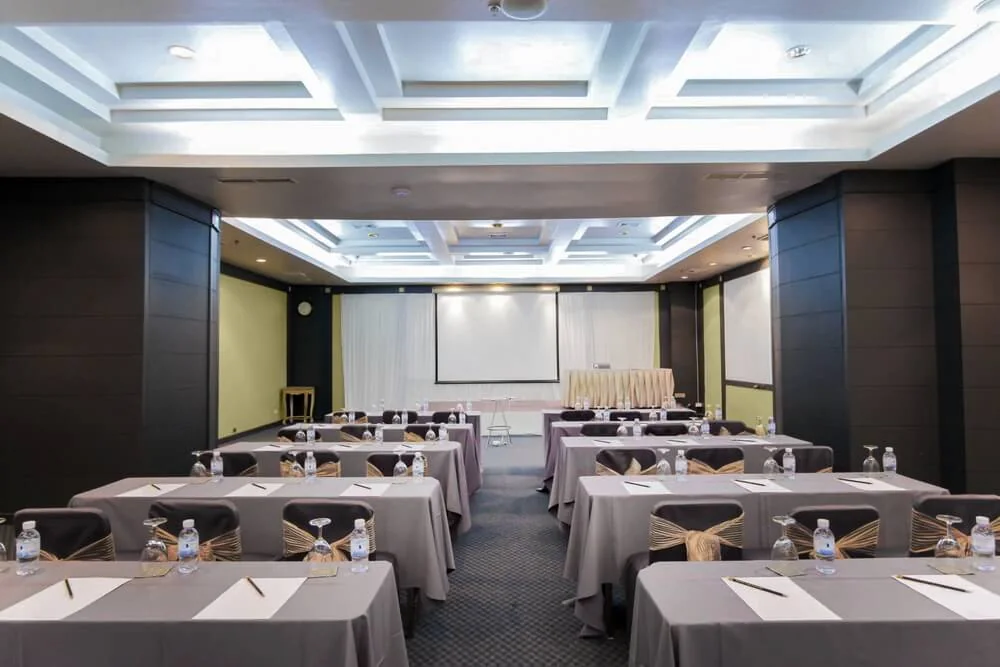
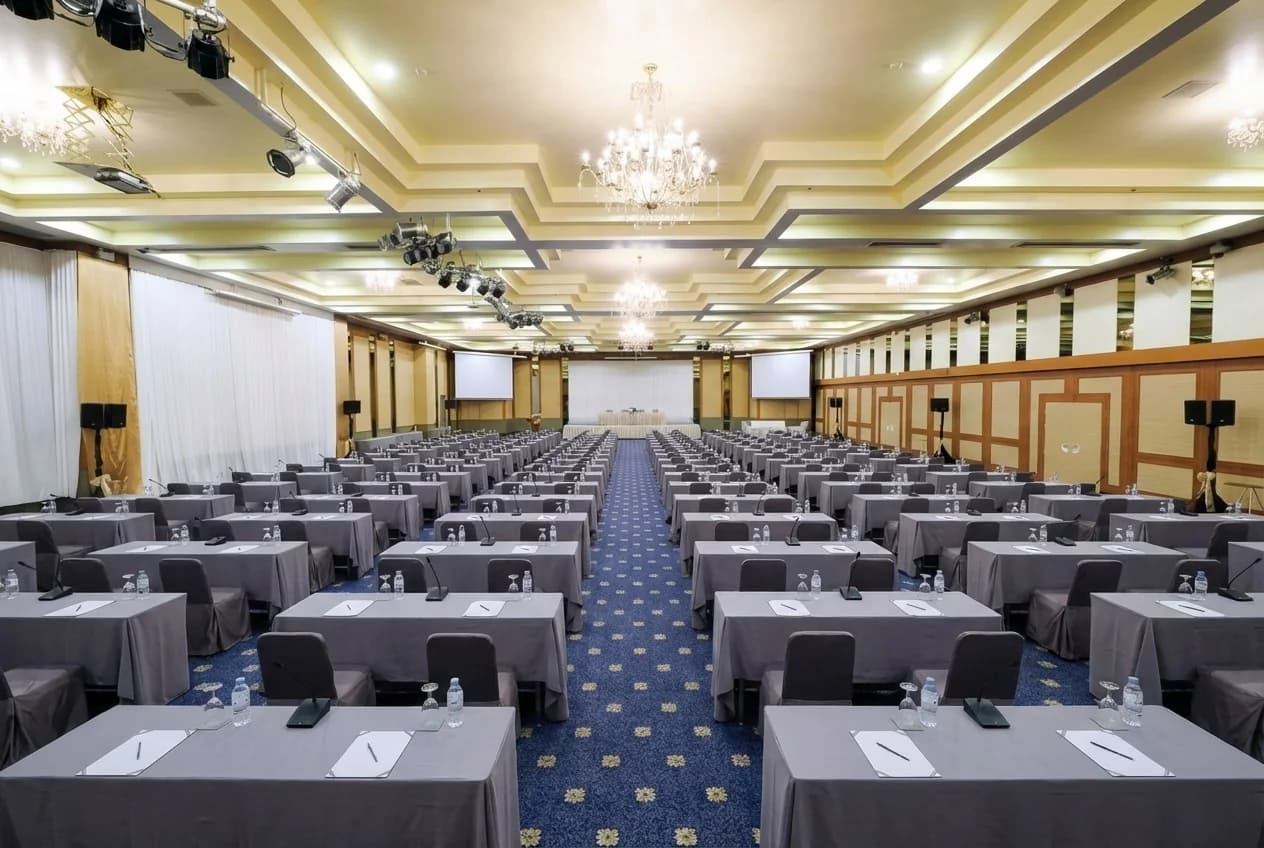
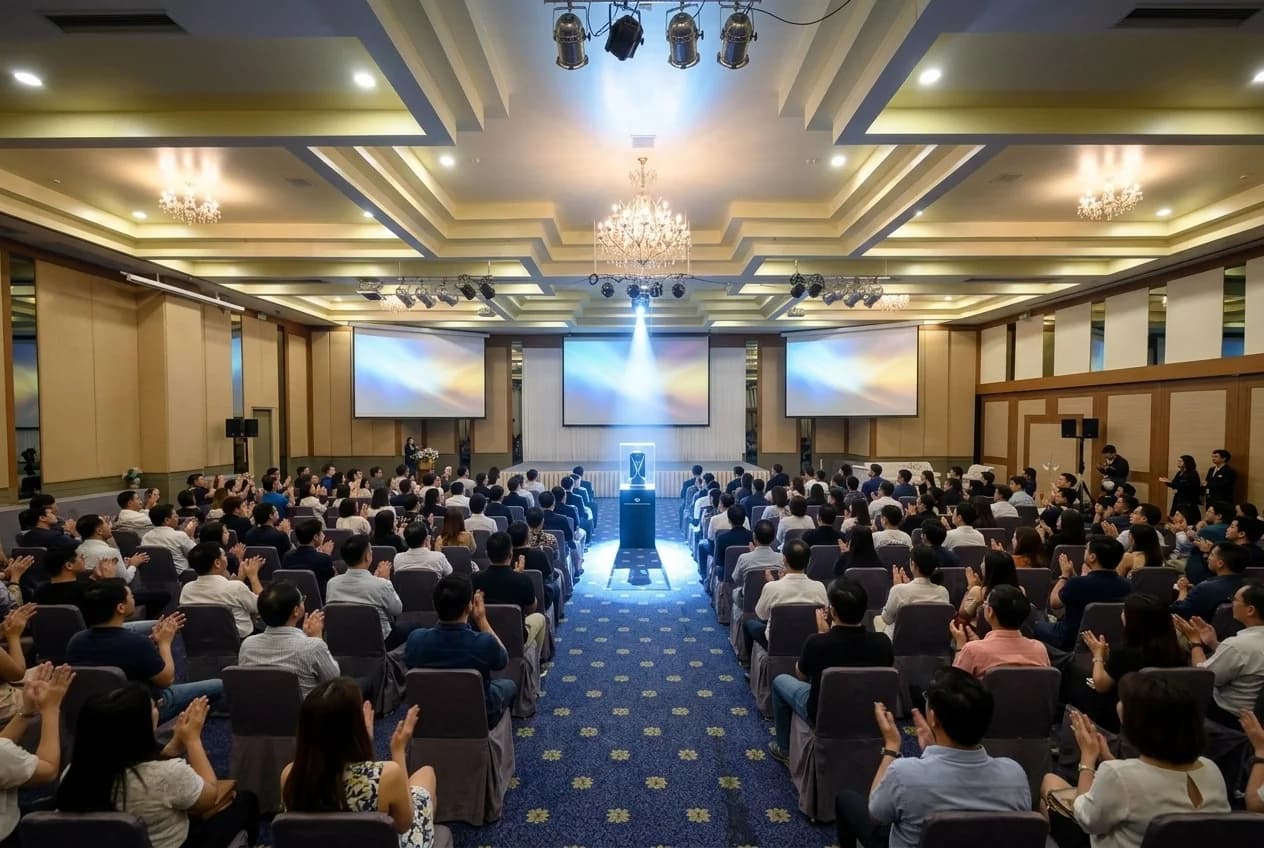
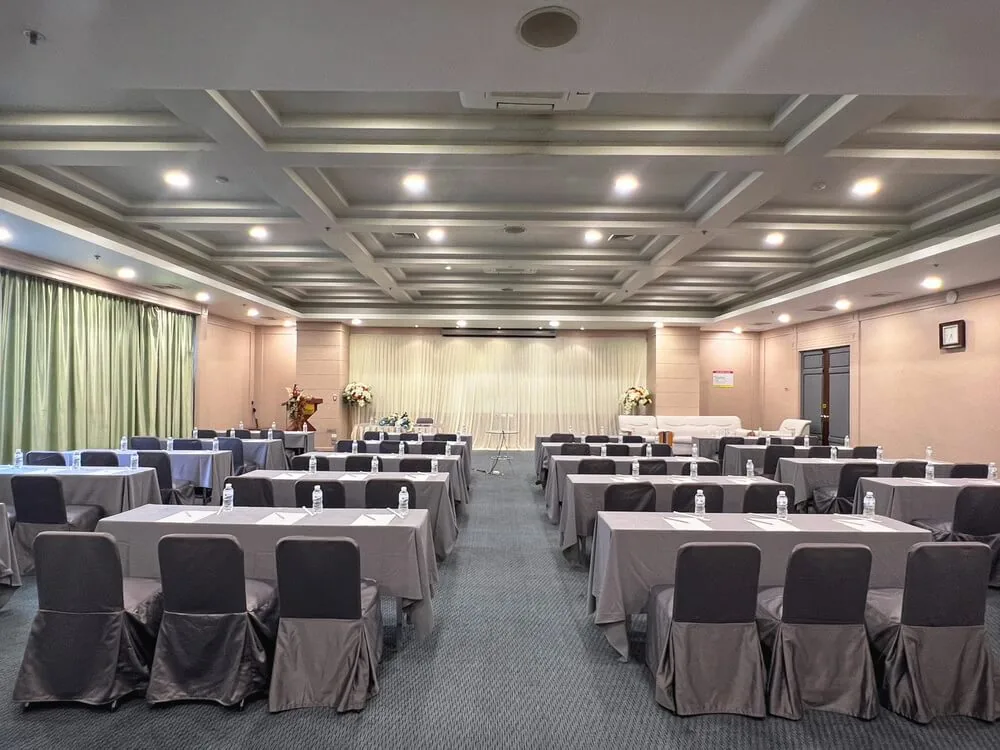
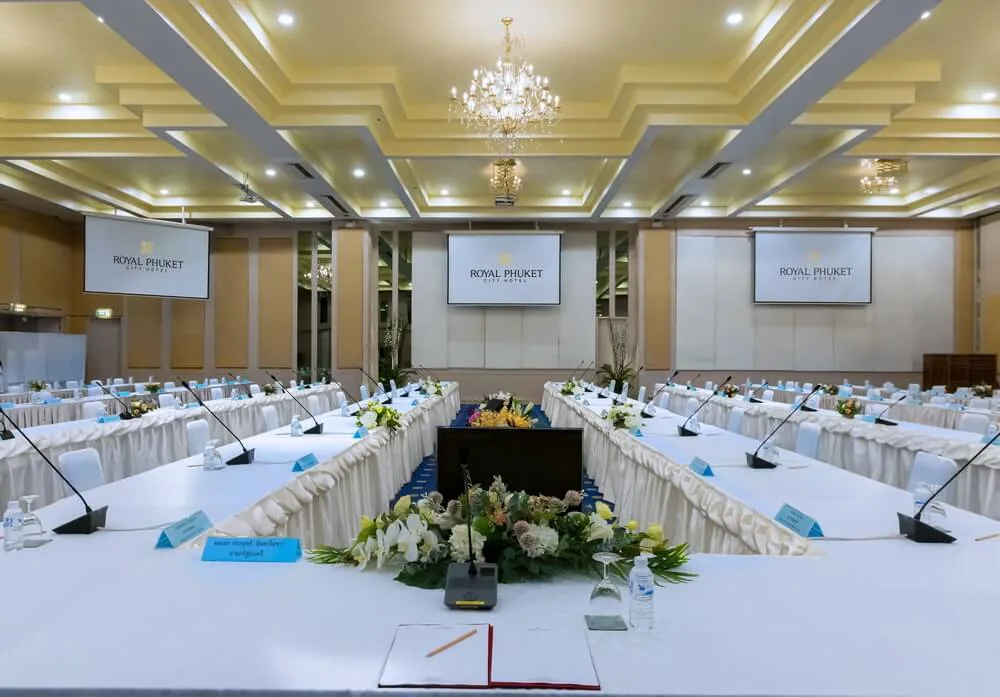
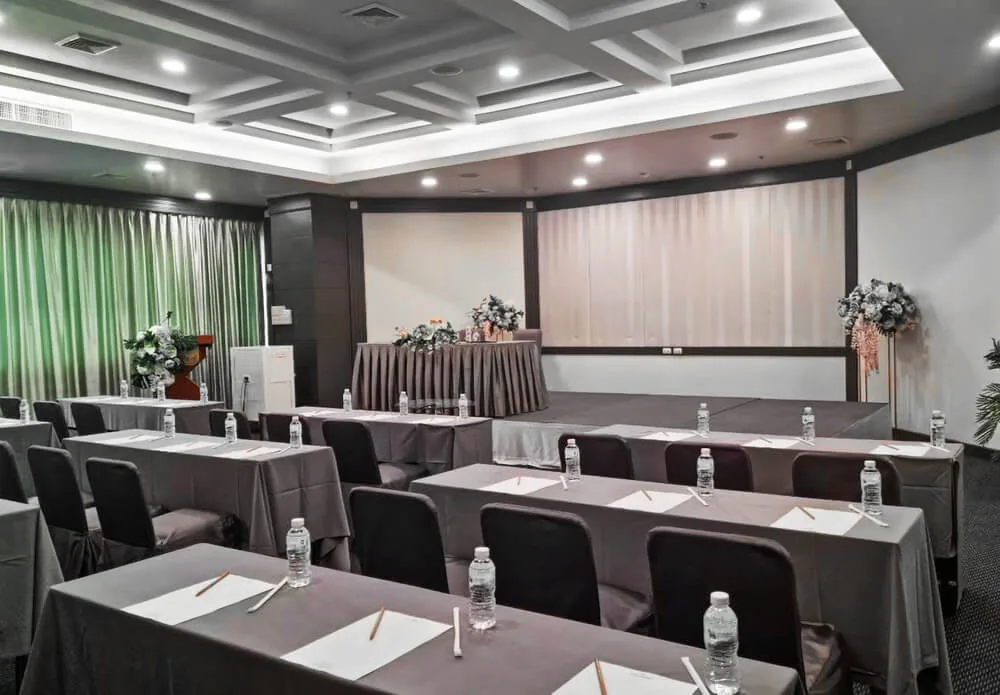
Use this checklist to prepare a technical brief for your venue and production team. The room photographs show supplied hotel meeting layouts. They do not establish which cameras, network services or technical support are included in a quotation.
Define the meeting from both sides of the call
List the number of people expected in the room and online, the meeting platform and the main activities. Identify remote presenters, panel discussions, videos, questions and breakout sessions. These details shape the microphone plan, camera positions and staffing.
Write down the result each activity needs. For example, remote participants may need to read slides, hear audience questions and speak to a panel. “Livestream the event” leaves those requirements unresolved. Decide whether online attendees are observers or active participants.
Nominate an organiser who owns the online meeting. Confirm who creates the invitation, controls admission, manages presenters and provides technical access. If a company account restricts external guests or screen sharing, resolve that before the rehearsal.
Make clear speech the first equipment check
Ask how every person who needs to speak will be heard online. A presenter microphone may cover the stage but leave audience questions inaudible. Depending on the format, discuss table microphones, a roving microphone or a moderator who repeats questions into the system.
Test the return audio too: people in the room must hear a remote speaker clearly. Agree which devices handle room sound. Multiple nearby laptops joining with active speakers and microphones can create echo. Microsoft's guidance on joining Teams from a second device describes how it disables audio on that additional device to prevent this problem.
Ask the technician to test from the seats people will actually use. Include a quiet speaker, a question from the back and the handover between presenters. A successful check at the lectern alone does not demonstrate that the discussion will work.
Plan the camera view and shared material
Decide what the remote audience should see at each stage: a presenter, a panel, the room or shared slides. Ask whether the camera is fixed, operated or able to follow the intended activity. Check framing against the final furniture layout and any movement planned on stage.
Test the actual presentation file from the device that will run it. Include video clips, embedded sound, unusual fonts and any live demonstration. Confirm how a remote presenter will advance slides and how the operator will recover if sharing stops.
Check the view from the back of the room as well as from a remote laptop. A camera image of a projection screen may not make small text readable online. Share the presentation through the meeting platform where the agreed setup supports it, and rehearse the change between slides and speakers.
Ask specific questions about connectivity
Tell the venue how many devices are expected and which activities depend on the connection. Ask about the connection available to the production equipment, whether a wired option can be provided, and how attendee access is handled. Request a test using the proposed setup.
Separate a general statement that Wi-Fi is available from the arrangements for your event. Ask who will test the connection, whether other activity shares it and who can respond if performance changes. Have your technical provider assess the requirements of your chosen platform and stream settings.
Agree a fallback with clear ownership. It might involve continuing with audio, pausing a session or using a separately tested backup connection. Do not treat an untested mobile hotspot as a complete contingency plan. Decide how the moderator will explain an interruption to both audiences.
Rehearse the programme, not only the equipment
Run a short version of the event with someone joining from outside the venue. Test admission, introductions, presenter handovers, questions, screen sharing and the closing session. Use the actual accounts and files where possible.
Include the people who will operate the meeting. A technician may make the system work during setup, but the moderator still needs to know how to bring in a remote question. Agree a private way for the organiser and technician to communicate during the event.
If recording is planned, confirm who authorises it, how participants will be informed, who can access the file and where it will be stored. Keep recording permissions and responsibilities in the event brief rather than leaving them to the person who happens to host the call.
Request an itemised technical proposal
Ask the venue to distinguish room hire, display equipment, cameras, microphones, connectivity, operators, rehearsal time and additional hours. Identify equipment supplied by your organisation and anything still awaiting confirmation. Include setup and pack-down access in the enquiry.
Keep a final equipment list and a short running order together. Name the on-site contact, online host, moderator and technical lead. Before signing off, ask each person to confirm the parts they own and the fallback they will follow.
Explore Royal Phuket City Hotel's meeting spaces and send the events team your hybrid meeting brief. Include your platform, audience split and programme so the proposed setup can be assessed against the event you intend to run.