Events
Meeting Room Seating Layouts: Which Format Works?
A practical comparison of meeting layouts, focused on what attendees need to do.
By Royal Phuket City Hotel Team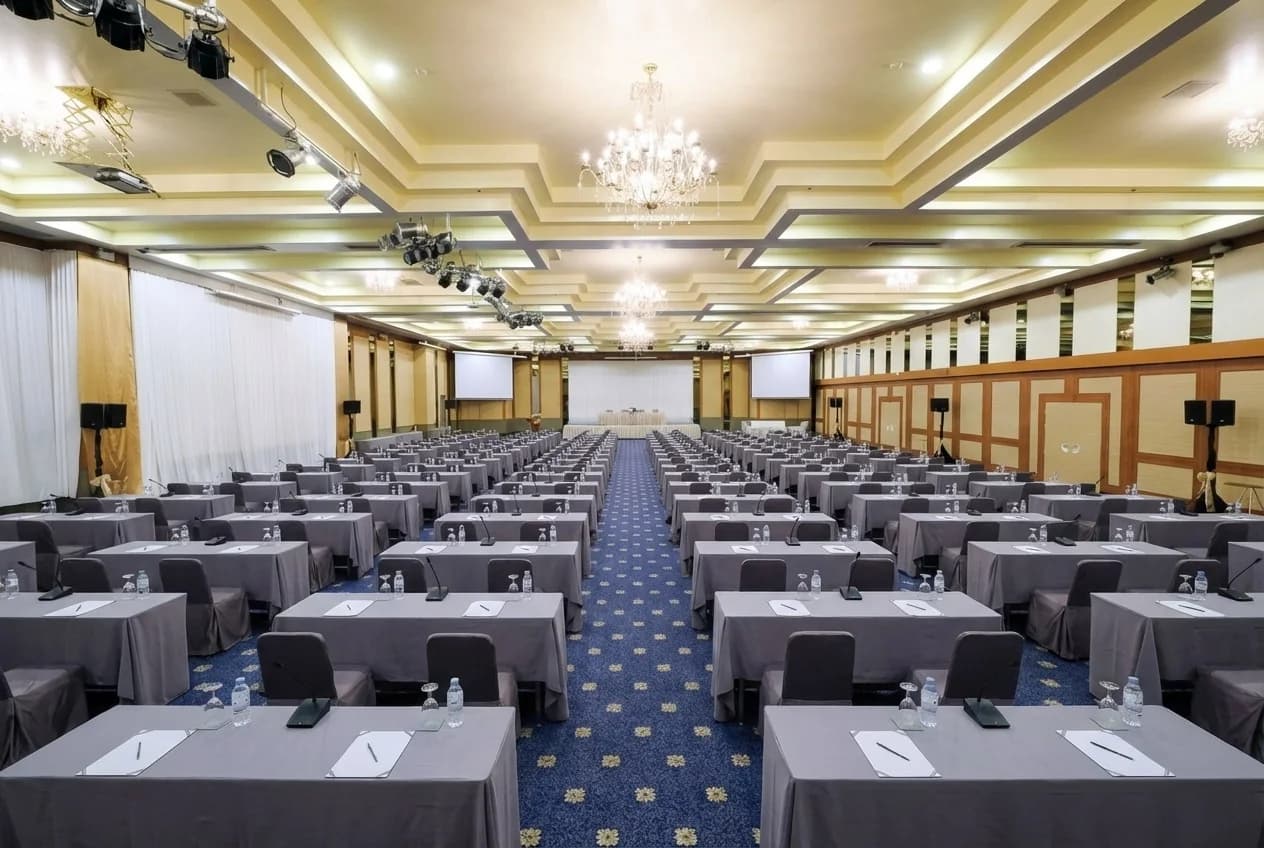
Choose a meeting room layout by what people need to do: theatre seating supports a presentation-led session, classroom seating gives attendees writing space, a U-shape supports shared discussion and boardroom seating suits a smaller group working around one table. The right arrangement is the one that fits the programme, equipment and circulation as well as the headcount.
Start with the session's hardest requirement. If everyone must use a laptop, that matters more than an impressive maximum capacity. If delegates need to talk to each other, their relationship to the table matters more than how many extra chairs fit at the back.
Compare the main seating styles
| Layout | Useful for | Watch for |
|---|---|---|
| Theatre | Talks, briefings and presentation-led sessions | Limited work surface and the route to microphones |
| Classroom | Training with notes, devices or printed materials | Desk space, power planning and views from the rear |
| U-shape | Facilitated discussion with a shared focal point | Longer sightlines and the space needed around the open centre |
| Boardroom | Smaller decision-making meetings | Screen visibility, table length and room for documents |
| Banquet or small groups | Team exercises and a programme built around interaction | Attendees facing away from the presentation and table spacing |
Use this as a starting point rather than a guarantee about a particular room. Ask the venue to draw your proposed arrangement with the stage, screens and other equipment included. Two rooms with the same floor area can work quite differently.
Theatre seating: give attention a clear direction
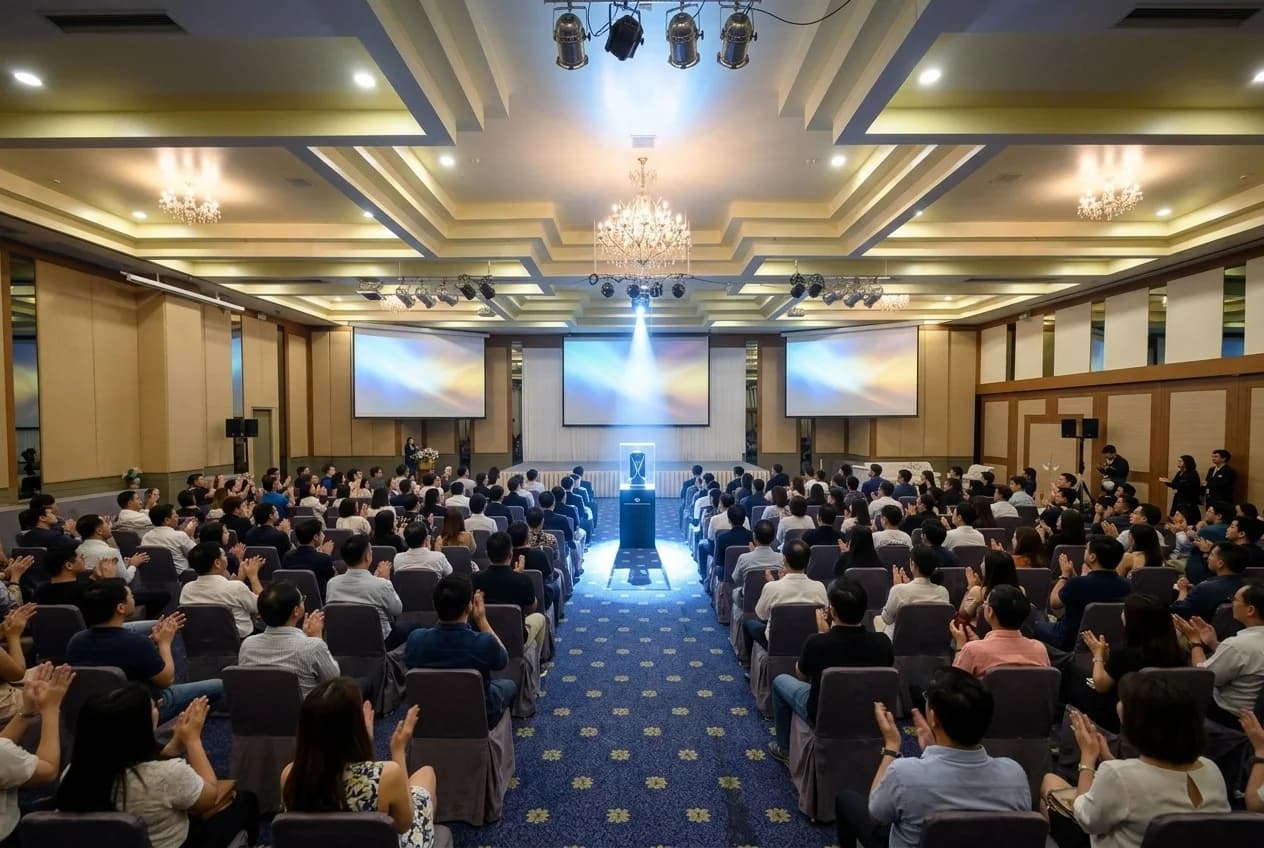
Theatre style is useful when most of the session involves listening to a speaker or watching a presentation. The organiser's job is to check the audience's view and how questions will be handled. A tightly packed room can look efficient while making participation awkward.
Ask where the main screen, lectern and speakers will sit. Check the view from the outer seats and the back, not just the centre front row. Decide whether questions use a handheld microphone, a fixed position or a moderator repeating them for the room.
If delegates need to take extensive notes, compare theatre seating with classroom style before confirming. A short product introduction and an all-day training course put very different demands on the same attendee.

Classroom seating: protect the working space
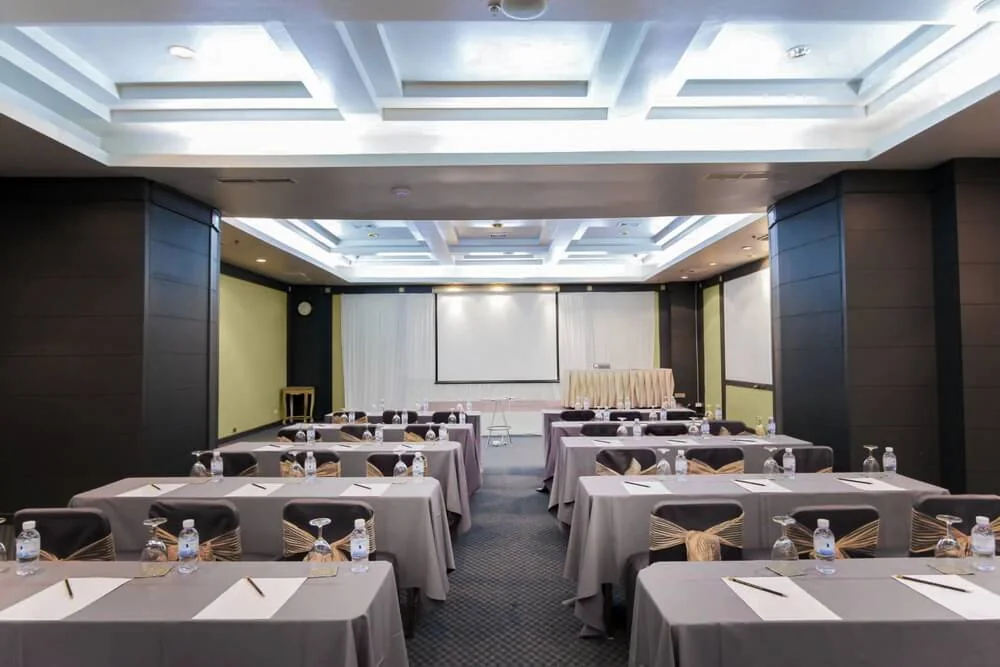
Classroom style gives attendees tables for writing, documents and devices while they face a common presentation point. It can suit workshops where participants listen, complete a task and then return to the speaker's explanation.
Specify what will be on each table. A laptop, workbook, water glass and demonstration sample need more surface than a single notebook. Ask how power will be supplied if it is required, and have the technical team plan cables so they do not obstruct movement.
Leave enough space for people to reach their seats and for facilitators to circulate. The room's classroom capacity is only a starting number. Your actual equipment, table sizes and access requirements need a layout of their own.
U-shape and boardroom: make discussion practical
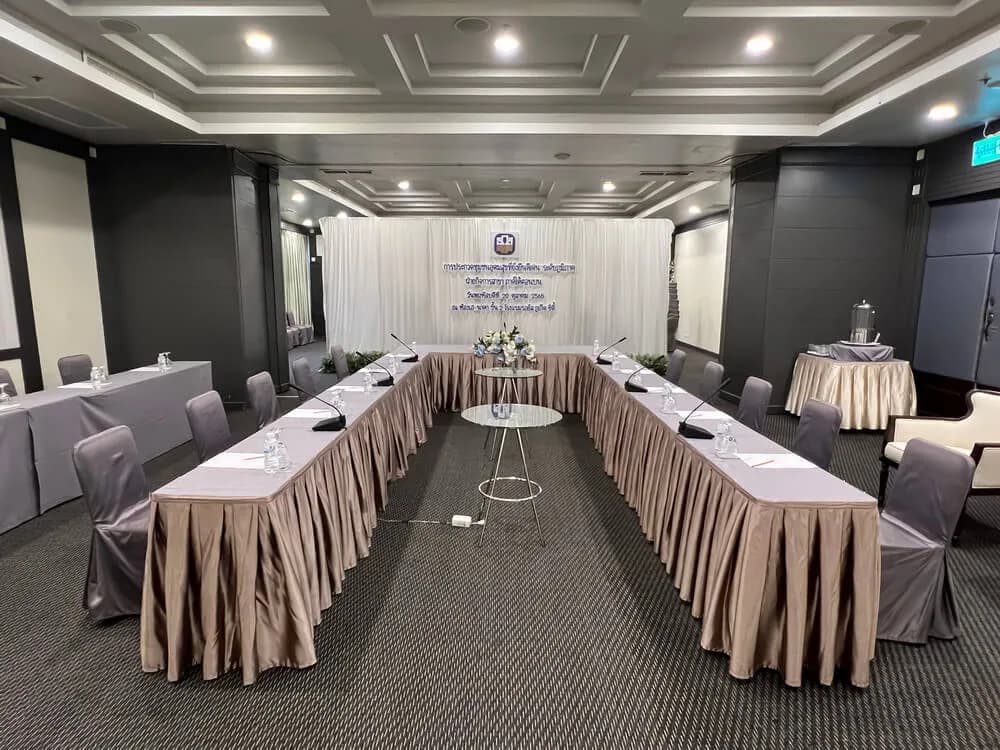
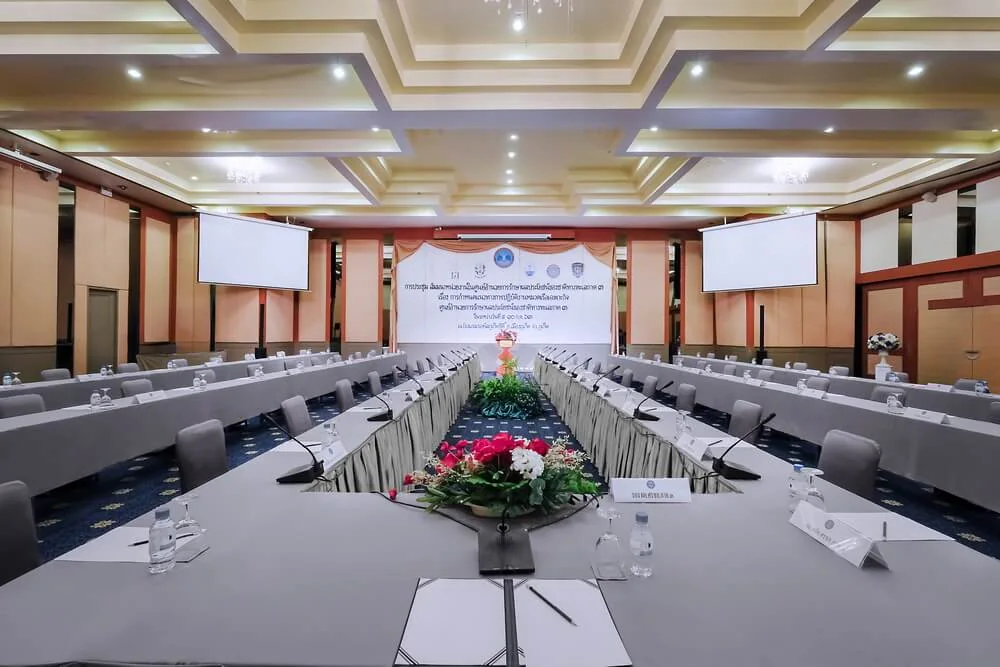
A U-shape can help a facilitator speak to the group while keeping a screen or demonstration area at the open end. It is worth considering for a session where participants need to see and respond to one another.
Check whether those at the ends can see the screen comfortably and whether people on opposite sides can hear each other. Adding chairs around every available edge may undermine the interaction that made the layout attractive.
Boardroom seating works around a single shared table. It can suit a planning discussion or decision meeting with a limited group. Tell the venue whether everyone needs a device, paper plans or product samples in front of them. Make sure the chairing position and presentation screen do not compete for attention.
Small groups: decide how people turn back to the speaker
Round tables or clusters support peer discussion and practical exercises. They can also suit a programme that moves between a short presentation and group work without asking everyone to change rooms.
The main question is how attendees follow the shared presentation. Some seats may face away from the screen, so discuss table placement and seating with the venue. Do not assume a dining arrangement automatically works as a learning layout.
Plan how completed work will be shared. Groups might send one spokesperson forward, display a sheet or report from the table. Each method needs different movement, sightlines and equipment. Build that choice into the setup brief rather than leaving it to the facilitator on arrival.
Check the complete room, not just the chairs
Include registration, refreshments, interpreter positions if required, presentation equipment and any recording crew in your brief. Ask the venue which activities belong inside the meeting room and which use separate areas.
- Can attendees enter, sit and leave without interrupting the session?
- Can people see the screen from the least favourable seats?
- Does the setup allow the access arrangements your guests need?
- Are service routes, exits and technical positions accounted for?
- Who approves a late change to the agreed layout?
Let the venue team confirm safe capacities and clearances. Photographs are useful for discussing style, but they do not replace a plan prepared for your actual event.

Apply the layout to a Phuket meeting
Royal Phuket City Hotel's meetings page provides room information and capacity figures for different formats. Use it to shortlist spaces, then send your preferred setup, attendee count and equipment brief to the events team for confirmation.
For a programme with several session types, ask whether one layout can serve them all. A changeover consumes time and may require staff to move furniture, test sound and reset tables. A slightly different arrangement can sometimes save a disruptive mid-programme conversion.
Meeting layout questions
Which layout fits the most people?
That depends on the room and setup. Compare the venue's published capacities, then confirm the usable capacity after your equipment and circulation are included.
Can we change the layout on the day?
Only rely on a changeover that has been agreed with the venue, including timing, staffing and any additional charges. Send the final requirements before the event.
Use our venue brief guide to collect your requirements, then ask the Royal Phuket City Hotel events team about a suitable room and layout.